What you get, at no cost
Plenty of "free" invoice tools stamp a watermark across your document, cap you at three invoices a month, or ask for a card before the download button works. WeQuotation does none of that. Every template, every document type, and every download is free, and there is no account to create.
Your invoice is generated entirely inside your browser. Your business details, your customer's details, and your line items are never transmitted to a server, which also means there is no database of your invoices for anyone to leak.
How the totals work
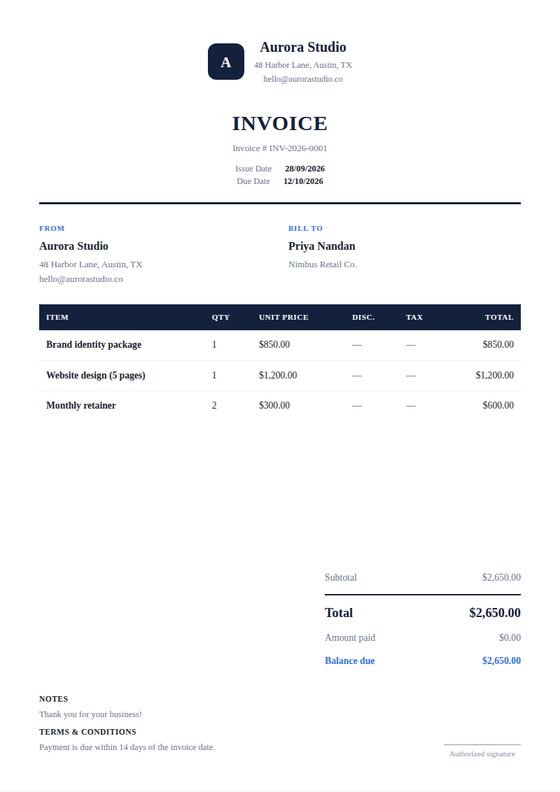
Enter a quantity and unit price for each line and the subtotal, per-item discount, tax, shipping, grand total, amount paid, and balance due all recalculate as you type. Per-item discount and tax percentages are handled separately from any invoice-wide discount, so a single discounted line does not distort the rest of the document.
Currency, date format, and number format are all configurable — useful if you invoice internationally and need 1.234,56 rather than 1,234.56.
When to send an invoice
An invoice is sent after goods or services have been delivered, and it requests payment. If you need to send pricing before the work begins, you want a quotation instead. If you are confirming payment you have already received, that is a receipt. WeQuotation produces all three from the same editor.