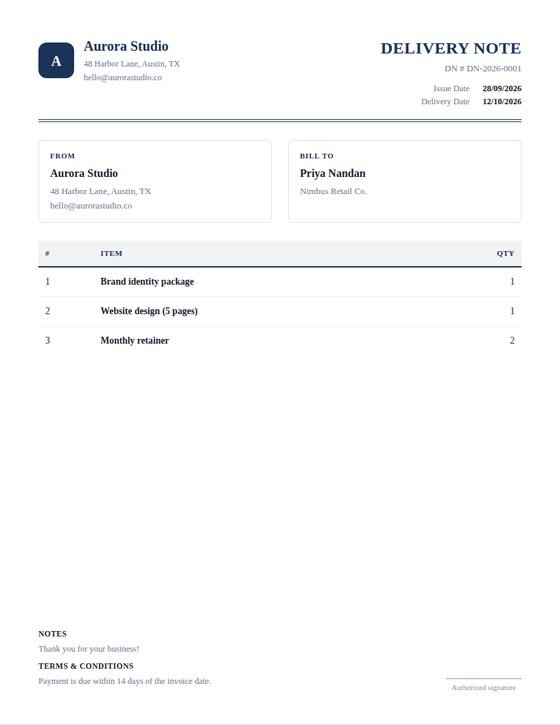
Why delivery notes leave out prices
A delivery note is handled by warehouse staff, couriers, and whoever signs for the shipment at the other end — none of whom need to see what the customer paid. Commercial terms are also frequently confidential, particularly where a reseller is involved.
For that reason WeQuotation removes all pricing columns and the totals block entirely on this document type, leaving item names and quantities. The currency selector is hidden too, since nothing on the page is priced.
Carrier and reference details
This document type adds a shipping method field for the carrier or delivery arrangement, and keeps the PO number field so the recipient's goods-in team can match the delivery against their order. The signature area doubles as a place for the recipient to sign on receipt.
Pair it with an invoice
Standard practice is for the delivery note to travel with the goods while the invoice is sent separately to accounts payable. Create the delivery note first, then switch document type to Invoice to generate the matching priced document from the same line items.